

File Submission
A Google Drive folder has been created for you and organized based on your website's pages.
Step 1. Type in you Company Name
Step 2: Click "Upload"
Step 3: Sign-in or create a Google account
Step 4: Upload content to the corresponding subfolder.
If you're sending files using WeTransfer click here.
How To Use WeTransfer
WeTransfer is a simple and efficient option for sending content. No sign-in required.
Watch the quick video to learn how to use it.
Content Delivery Guides
Compiling your content doesn't have to be overwhelming - watch these videos to see exactly what to look out for.
File Naming Tips

1. Use Keywords
Use short words that describe the content, this makes it easier to locate.
2. Add Versions or Numbers
Adding numbers to files avoids duplicates and confusion. (ex. bike-1, bike-2)
3. No need for complex codes
It’s just about being consistent and simple – no need for anything complicated.
Website Workflow Overview
Staying on track helps prioritize key tasks and minimizes the risk of missing important milestones, leading to a smoother, stress-free process.
Stage 1
Ideation
Duration: 1 Week
Meeting 1:
Discuss Concepts
Establish Content Requirements
Establish Designs
Stage 2
Building
Duration: 1-2 Weeks
Receive Text Content
Build Site
• Add text
• Add branding
• Add fonts
• Add interactions
• Work on back-end
Receive Visual Content
Add Images / Videos / Graphics
Stage 3
Revision
Duration: 1-2 Weeks
Meeting 2:
Discuss 1st Draft
Receive Feedback
Build Site
• Final front-end revisions
• Final back-end revisions
Stage 4
Final
Duration: 1 Week
Finalize Website
go live
Set Up Hosting
Upload Content
Not Writing Your Content?
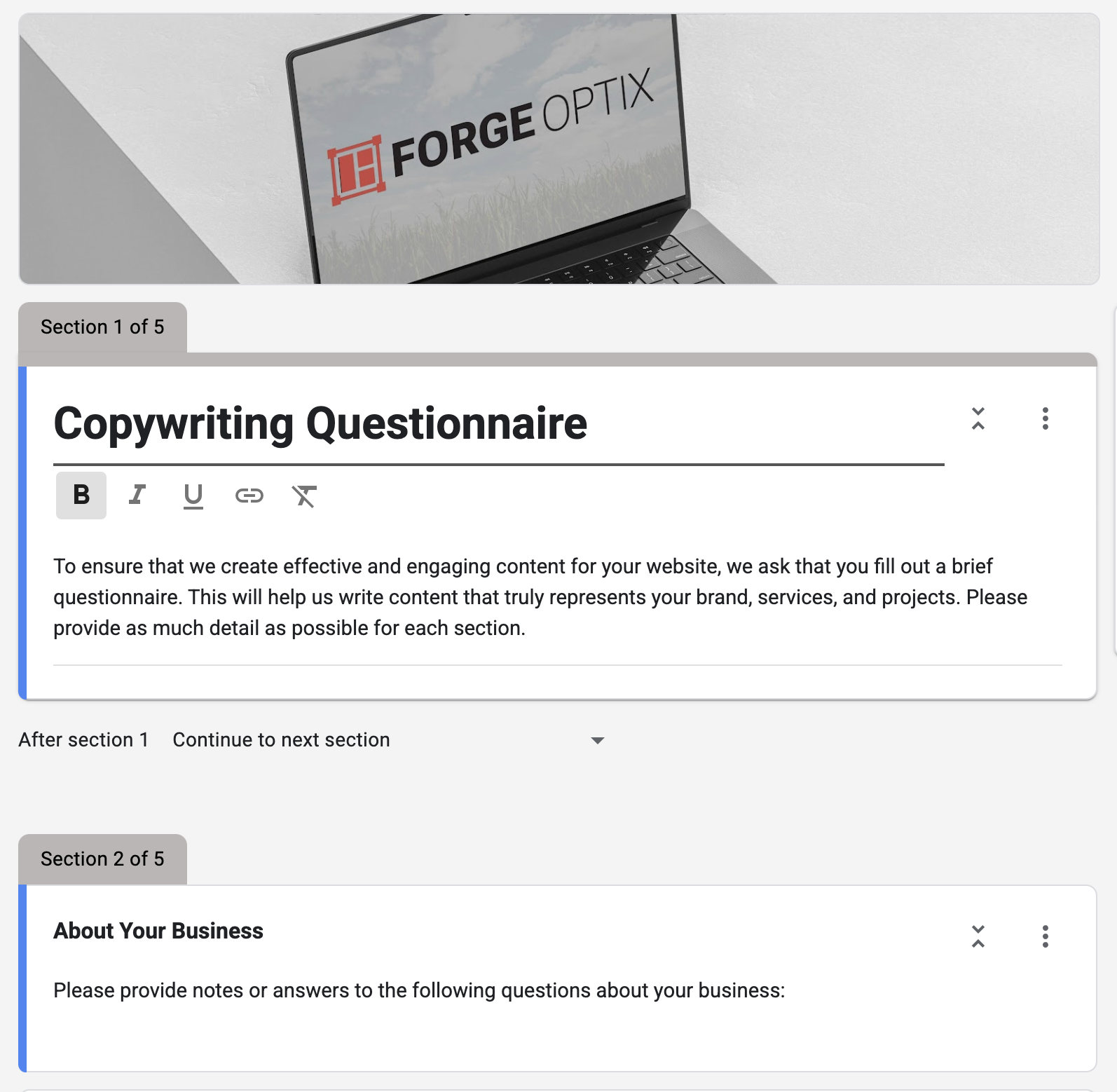
This questionnaire will help us create the best content for your website, ensuring it aligns with your goals.
start now
* Please disregard if you are writing and providing text.